
Blogs, Product Installation Guide
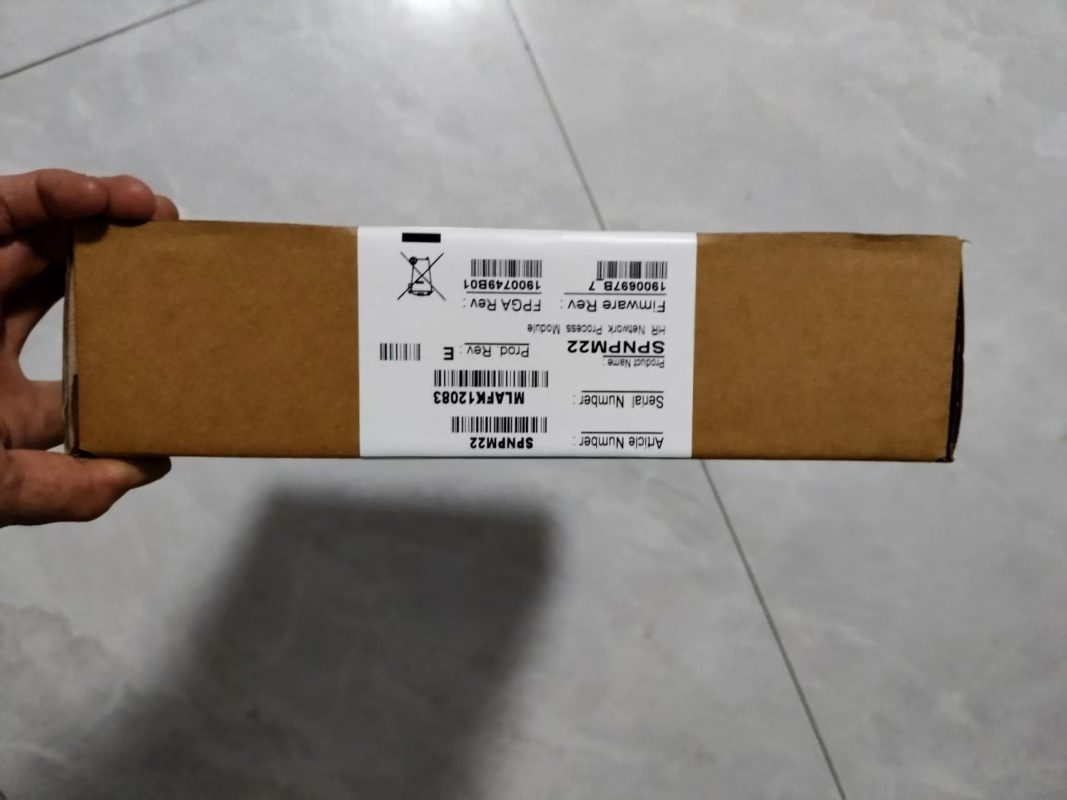
ABB Module SPNPM22 Maintenance and Troubleshooting Guide
Dec
ABB Module SPNPM22 Maintenance and Troubleshooting Guide
The ABB SPNPM22 module plays a crucial role in industrial automation systems, ensuring seamless communication between controllers and various input/output devices. Proper maintenance and effective troubleshooting are essential to maintain its reliability, extend its lifespan, and minimize unexpected downtime. This guide provides engineers and technicians with a comprehensive overview of the SPNPM22 module, practical maintenance tips, common issues, and step-by-step troubleshooting strategies.
Overview of ABB SPNPM22 Module
The SPNPM22 module is designed to manage both digital and analog signals, delivering high-speed, accurate data processing. Its modular architecture allows flexible integration with ABB automation networks and PLCs, making it suitable for diverse industrial environments. Key features include:
-
Robust signal processing capabilities
-
Compact modular design for easy installation
-
High reliability in continuous industrial operation
-
Full compatibility with ABB PLCs and automation systems
Understanding the module’s architecture simplifies maintenance and ensures faster issue resolution.
Routine Maintenance Practices
Regular maintenance helps prevent failures and ensures long-term performance. Recommended practices for the ABB SPNPM22 module include:
-
Visual Inspection: Regularly check for physical damage, dust accumulation, or corrosion.
-
Connector and Cable Verification: Ensure all connectors are secure and cables are undamaged.
-
Environmental Monitoring: Maintain optimal temperature, humidity, and ventilation conditions to prevent overheating or moisture-related issues.
-
Firmware Updates: Keep the module firmware updated for better compatibility and performance.
-
Cleaning: Use soft brushes or compressed air to remove dust without damaging components.
Routine maintenance reduces the risk of unexpected system failures and improves overall efficiency.
Common Issues and Their Causes
Technicians may encounter several common problems with the SPNPM22 module:
-
Communication Failures: Often caused by loose connections, incorrect addressing, or network interference.
-
Signal Loss or Delay: Typically results from damaged cables, connector issues, or environmental factors.
-
Module Malfunction: May occur due to firmware errors, overheating, or electrical surges.
-
Power Supply Problems: Unstable or incorrect voltage can affect module performance and reliability.
Quickly identifying the cause is key to minimizing downtime and preventing further system disruption.
Step-by-Step Troubleshooting
A structured troubleshooting process ensures accurate diagnosis and efficient repair:
-
Physical Examination: Inspect the module for visible damage, burned components, or loose connectors.
-
Power Check: Confirm input voltage and verify stable power supply to the module.
-
Connectivity Testing: Test network cables, connectors, and I/O channels for faults.
-
Firmware and Configuration Review: Verify that the module’s firmware is current and configuration settings are correct.
-
Functional Testing: Conduct input/output testing to ensure proper operation.
-
Component Replacement: Replace defective modules, cables, or connectors with certified ABB parts if necessary.
Following these steps systematically ensures effective problem resolution and minimizes operational downtime.
Safety Precautions
When performing maintenance or troubleshooting on the ABB SPNPM22 module, safety is paramount:
-
Disconnect the power supply before inspection or repair.
-
Use proper personal protective equipment (PPE).
-
Implement grounding or ESD protection to prevent static damage.
-
Handle connectors and sensitive electronics carefully.
Adhering to these precautions protects both personnel and the module.
Advanced Maintenance Tips
To maximize long-term reliability, consider the following advanced strategies:
-
Scheduled Diagnostics: Monitor module performance regularly using ABB diagnostic tools.
-
Spare Parts Inventory: Keep essential modules, cables, and connectors on hand for rapid replacement.
-
Maintenance Documentation: Maintain logs of inspections, repairs, and firmware updates to facilitate predictive maintenance.
-
Staff Training: Ensure personnel understand module architecture, troubleshooting procedures, and ABB network integration.
Proactive maintenance improves operational efficiency and reduces unexpected failures.
Conclusion
The ABB SPNPM22 module is an essential component in industrial automation, providing reliable signal processing and communication. By implementing proper maintenance, following structured troubleshooting procedures, and adopting proactive strategies, engineers and technicians can ensure system reliability, reduce downtime, and extend the module’s lifespan. Proper care of the SPNPM22 module translates directly into enhanced safety, efficiency, and cost-effectiveness in industrial operations.
